
If Mic mode is missing your hits, hearing hits you didn't play, or putting them on the wrong instrument, a short recording of you playing is the fastest way to get it fixed. It lets us replay exactly what the app heard, on your device, in your room, and tune against it.
It takes about two minutes. Thank you for helping.
1 · Turn on support mode
- Hold the phone upright (portrait). The support options don't appear in landscape.
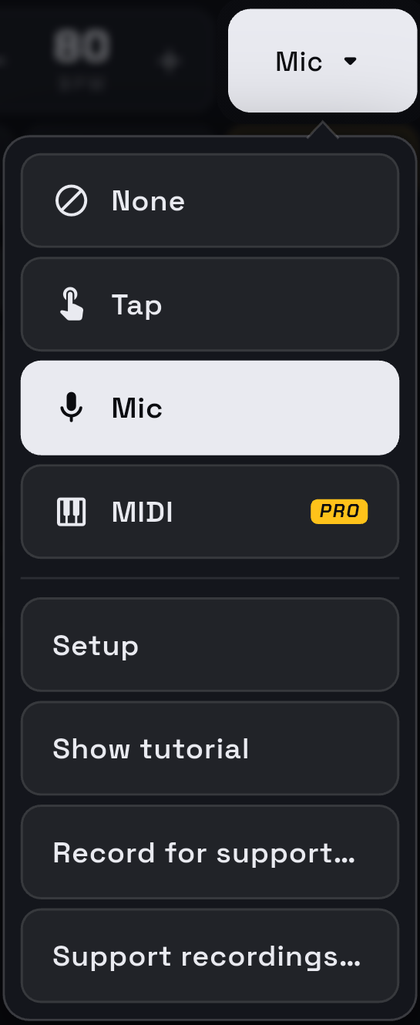
- Tap the input menu at the top right (it usually says None) and choose Mic. Allow microphone access if asked. The mic panel opens along the bottom of the screen.
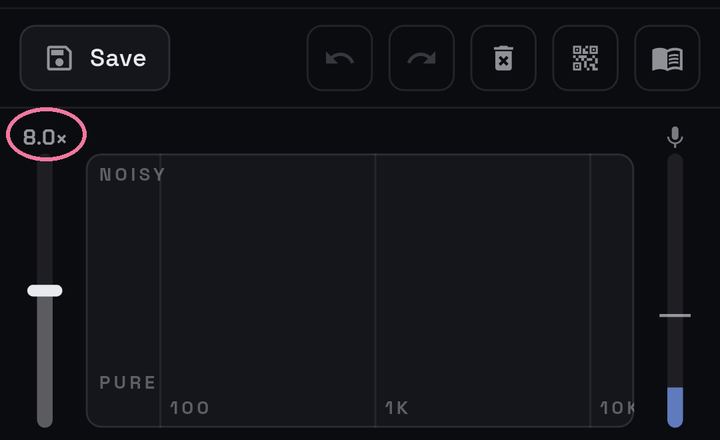
- Tap the number above the sensitivity slider, bottom left (it reads something like 8.0×), seven times in a row, without pausing for more than a few seconds.
- A message says Support mode on.
Support mode stays on until you turn it off, so you only need to do this once.
2 · Record
- Set things up the way you had them when the problem happened: the same beat, the same instruments or pads, the phone in the same spot.
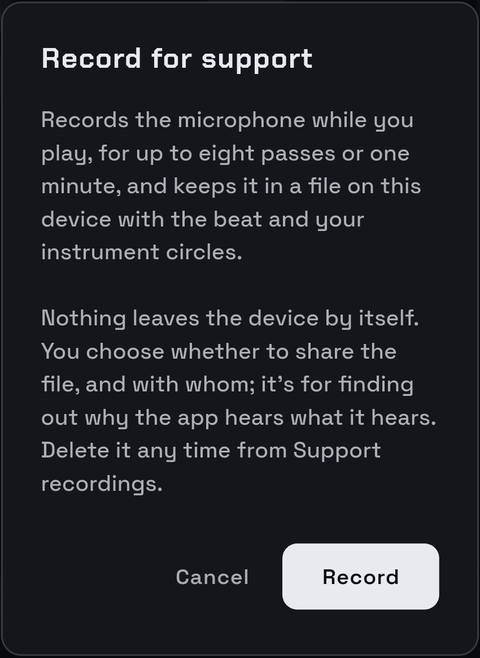
- Open the input menu again. Two new items sit at the bottom; choose Record for support…. Read the note and tap Record.
- The mic icon at the right of the panel turns into a pink dot: it's waiting for you. Press Play and play along as you normally would. The dot turns red while it records.
- Press Pause once you've played through the part that goes wrong. Recording also stops by itself after eight passes or one minute.
- A Recording saved box shows the file's name and length.


Make it useful: a recording works best when it catches the problem. If it only goes wrong with certain hits, or at faster tempos, play those. A couple of passes where it goes wrong beats eight where it doesn't.
3 · Send it
- Tap Share in the Recording saved box and pick your email app (or Drive, Files, anything that lets you pass a file along).
- Send it to pluszerosupport@gmail.com.
- In the message, say in a sentence what went wrong and what you expected, for example: “snare hits on beat 3 keep landing on the hi-hat”, or “every 16th note shows as an extra hit”. Your phone model helps too.
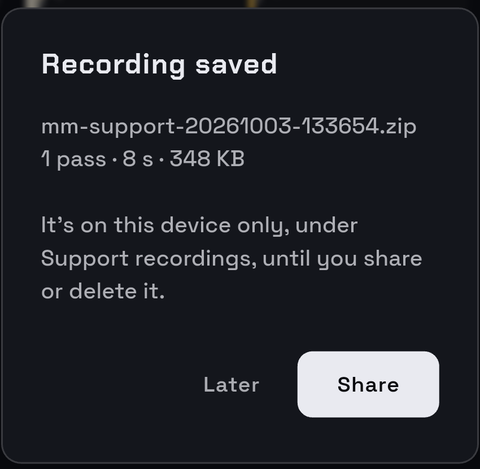
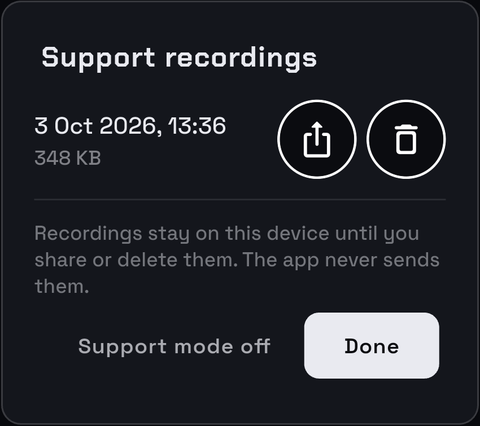
Tapped Later? Open the input menu and choose Support recordings…. Every recording is listed there by date, with a share button and a delete button.
What's in the file
A ZIP named like mm-support-20261003-141502.zip, usually
under 3 MB. It holds:
- the microphone audio, from the moment you pressed play until it stopped;
- the beat you were playing, its tempo, and your instrument circles from Setup;
- the hits the app heard and how it judged each one;
- the app version, the phone's operating system version, and the mic settings (sensitivity, latency).
Nothing else: no contacts, no location, no account (there isn't one).
Privacy
The recording is kept only on your phone. The app never uploads it or sends it anywhere by itself; it goes only where you share it. Because it's a real recording of the room, anything audible while you play (talking, music, a TV) will be in it, so you may want to record when it's quiet apart from your playing.
Cleaning up
To delete a recording, open Support recordings… and tap its delete button, then Delete? to confirm. To hide the support options again, tap Support mode off in the same box, or tap the sensitivity number seven times again. Turning support mode off doesn't delete recordings already saved.
Questions
Email pluszerosupport@gmail.com.